
Platform
Lightweight to Deploy, Powerful to Run
Tag, SDK, or server-to-server — pick the integration that fits your platform. Get up and running in four straightforward steps, with sub-50ms decision latency and no PII in scope.
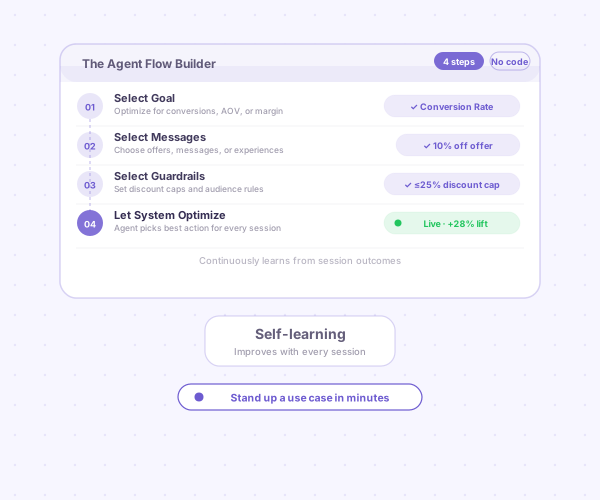
Session AI deploys alongside your existing ecommerce platform — via cartridge, plugin, SDK, or website tag — with no re-platforming required. Integrate with your A/B testing framework or use our built-in testing tools. Bring your own widgets or use ours. Coordinate with your personalization stack to drive the best performance overall.
Lightweight to deploy
Tag, SDK, or server-to-server — pick the integration that fits your platform.
Integration Steps
Get up and running in four straightforward steps.
Deploy the tag
Deploy the Session AI tag via your Tag Manager. Works with Google Tag Manager, Tealium, or any standard tag management system.
Plan use cases
Plan use cases while you wait for the models to train. Use this time to align on goals, guardrails, and offer types with your team.
Configure widgets
Use the fully configurable Session AI widget templates, or integrate with your preferred existing widget rendering — no lock-in to our UI layer.
Grant access
Provide your business users with access to configure and launch use cases in the Session Marketing Platform.
Governed and observable
Every decision is auditable. Your team sets the policy boundaries the agent operates inside. You control all data inputs and have full visibility into model predictions and outcomes — so there are no black boxes and no surprises.
Ready to integrate?
We'll walk you through deployment on your stack and show the agent running on your own traffic.